
Excel Design Toolkit

- Better Design
Create cleaner, more professional Excel files in less time.
- Easy to Use
Ready-to-use designs assets you can copy, paste and customize.
- All Excel Versions
Supports all versions of Microsoft Excel.
- Secure Payment
Instant download. Secure payment via our trusted partner Paddle.
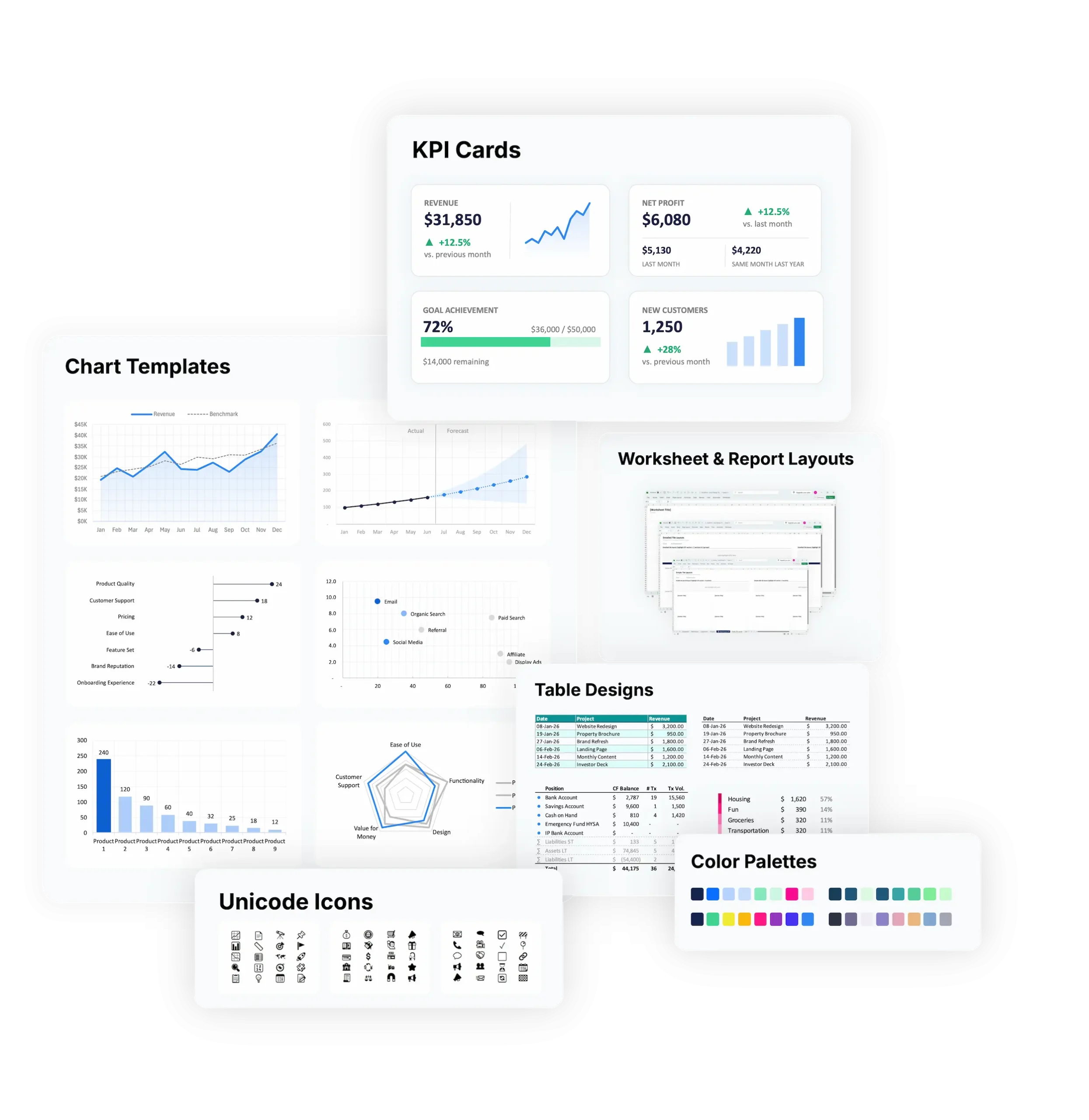
Design Toolkit Overview
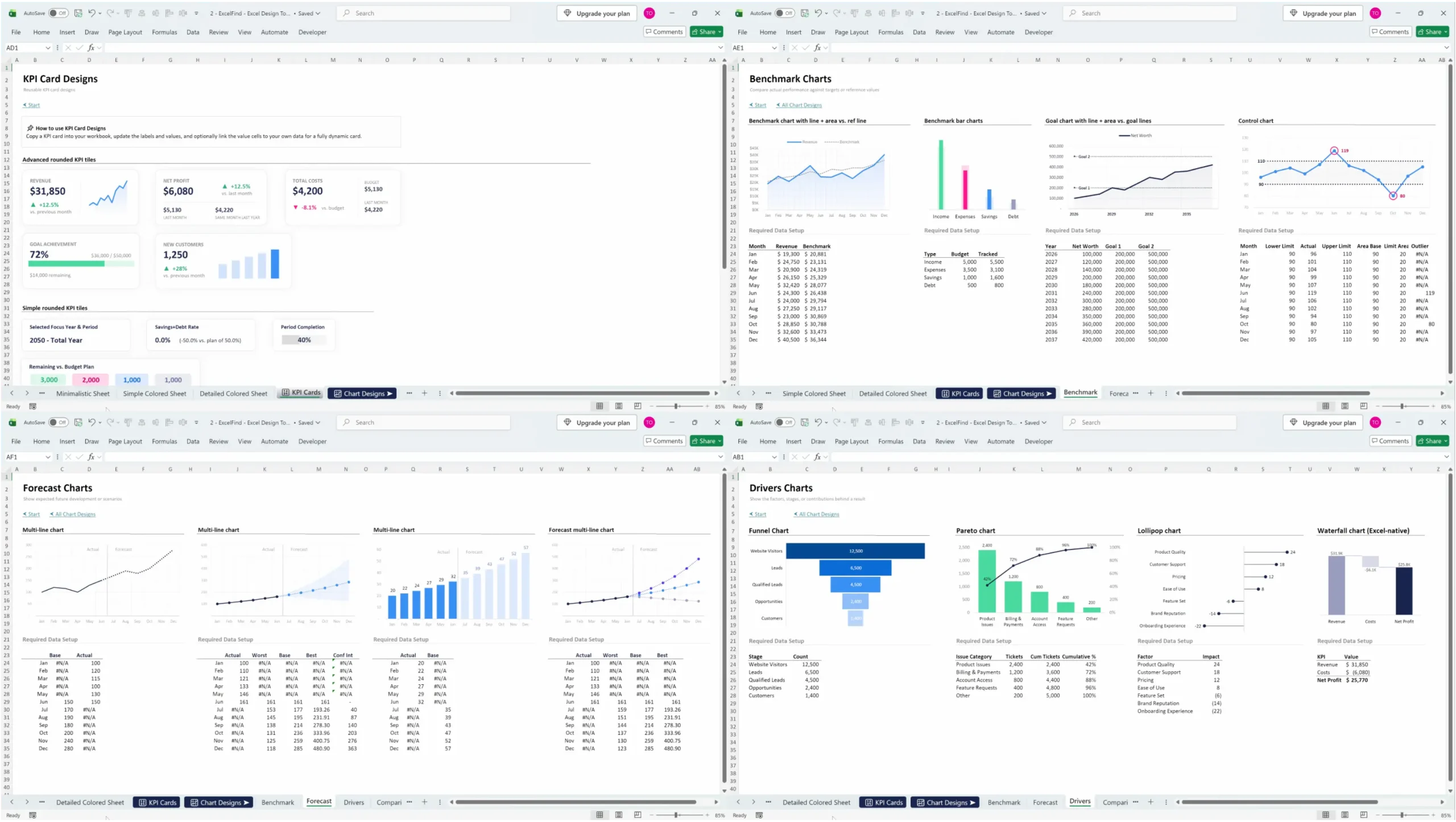
- KPI Cards
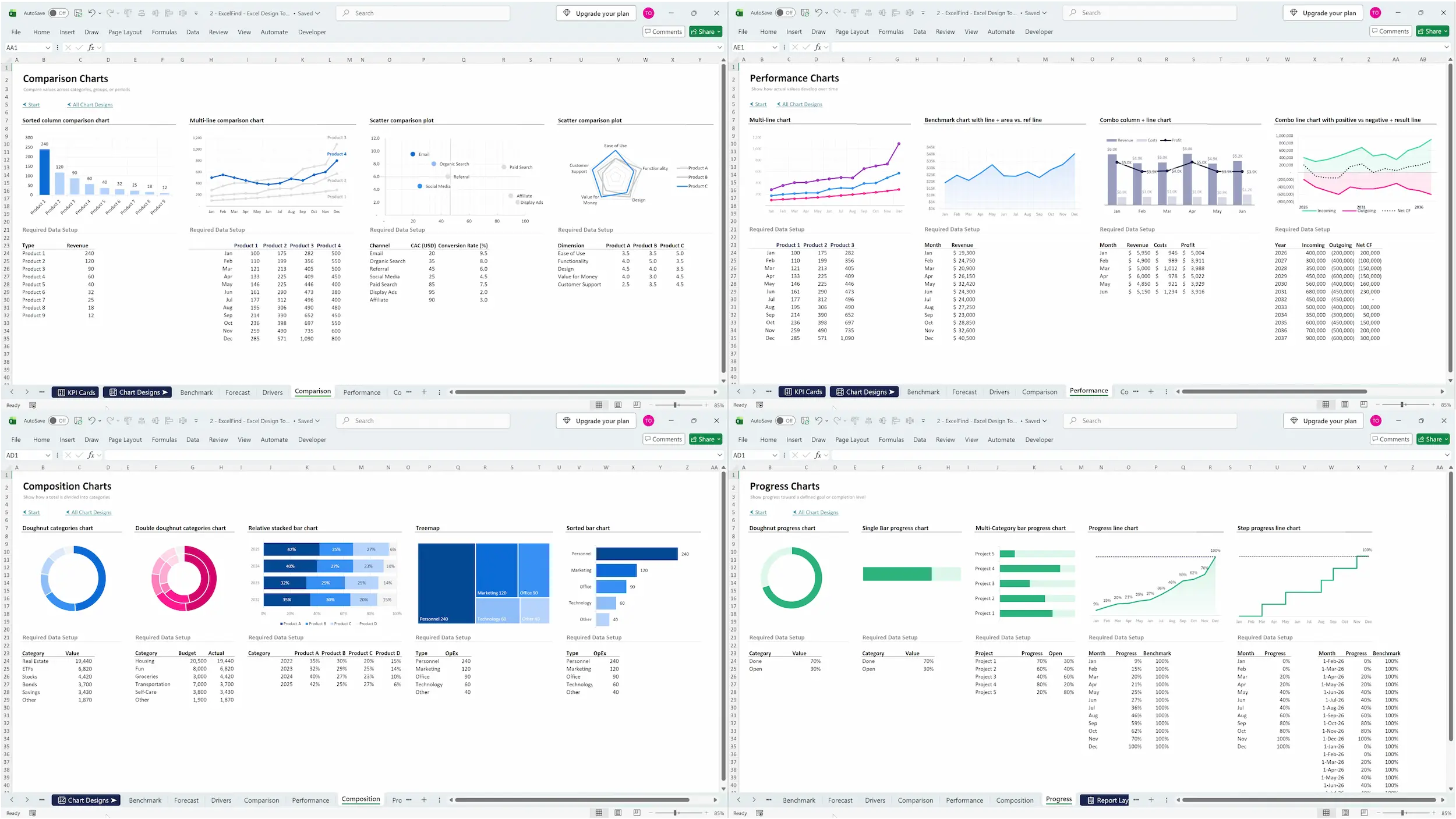
Turn key numbers into polished, easy-to-scan highlights that instantly stand out - Chart Templates
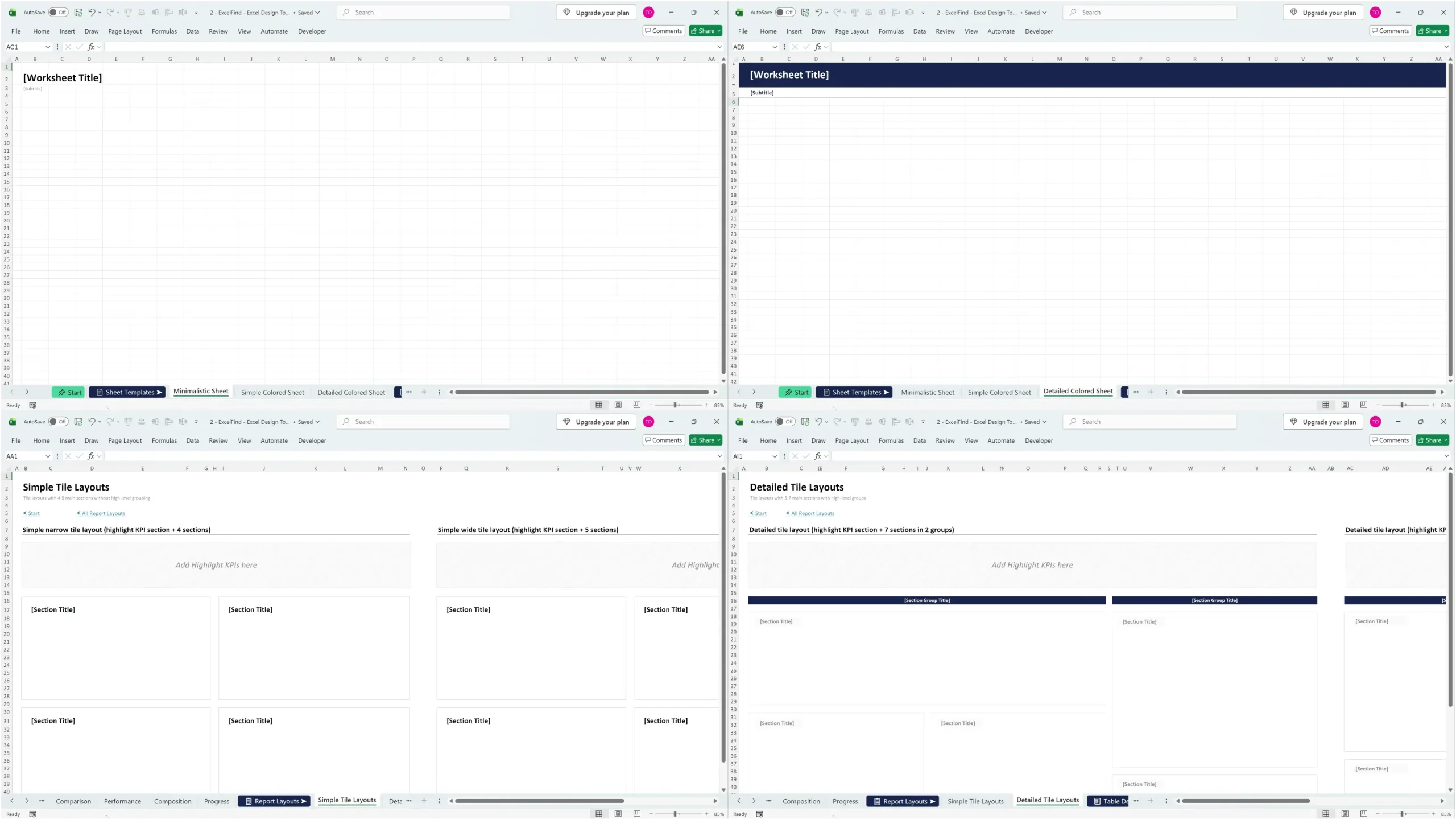
Create professional looking visualizations faster with ready-made chart designs for different use cases - Worksheet templates
Start with a clean, professional structure instead of designing every worksheet from scratch - Report Layouts
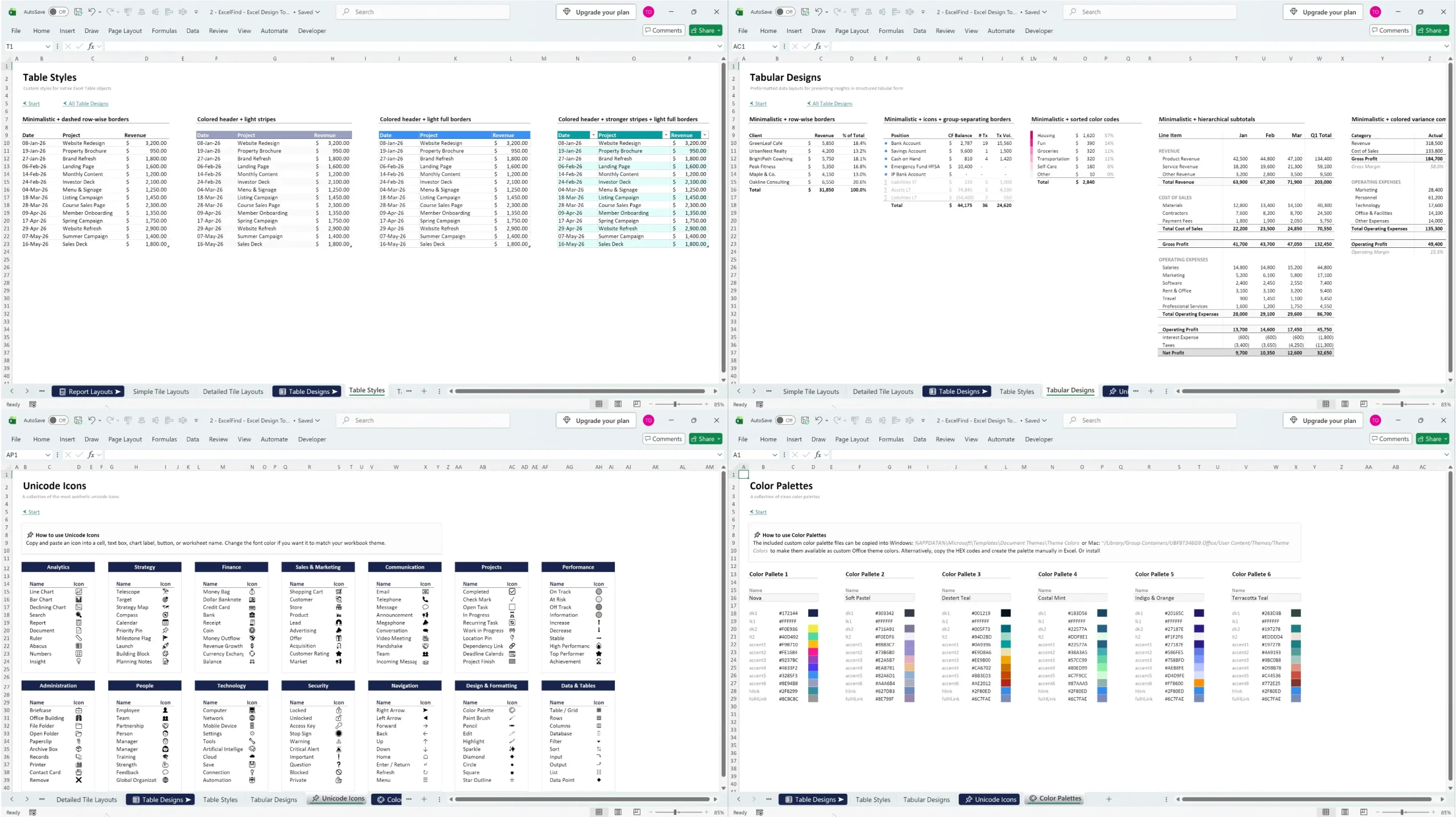
Organize dashboards and reports into clear, balanced sections without figuring out the layout yourself - Table Designs (Table Styles + Tabular Designs)
Present detailed data in cleaner, more structured tables that are easier to read and understand - Unicode Icons
Add simple visual cues throughout your workbook without relying on external image files - Pro Color Palettes
Apply cohesive, professional color combinations without spending time choosing matching colors yourself
Start building better-looking Excel workbooks today
60-day money-back guarantee
How this toolkit makes you stand out
Look More Professional
Create polished, consistent workbooks that immediately feel more credible and thoughtfully designed.
Save Hours on Design
Spend less time formatting from scratch and more time focusing on the actual analysis, insights and work that matters.
Make Information Easier to Understand
Use proven layouts and clear visual structure to make complex data easier to scan, follow and communicate.
Draw Attention to What Matters
Use clean colors, icons and visual hierarchy to guide the reader straight to the most important information.
FAQ
Got questions? We’ve got the answers.
Do I need to be an advanced Excel user to use the toolkit?
No. The toolkit is designed to make professional Excel design easier, even if you are not an advanced user. Most assets can simply be copied into your workbook and customized to fit your needs.
How do I use the designs in my own Excel files?
Is this a one-time payment?
Yes, it’s a simple one-time payment. Once you purchase, you have an unlimited license for the toolkit as displayed above. There are no hidden fees or subscriptions.
Which Excel versions are supported?
What if I run into technical issues?
No worries, we’re here to help. All customers get free support. Just send us an email at support@excelfind.com and we’ll make sure you’re up and running quickly.
Does the toolkit work on both Windows and Mac?
Yes. The toolkit can be used on both Windows and Mac. Where installation is required, such as for chart templates or color palettes, instructions for both operating systems are included.
Can I customize the designs?
Make professional Excel design your default
60-day money-back guarantee